
Download Coal Launcher – HTML5 Games, Game Repository, Custom URLs, Achievements
Overview
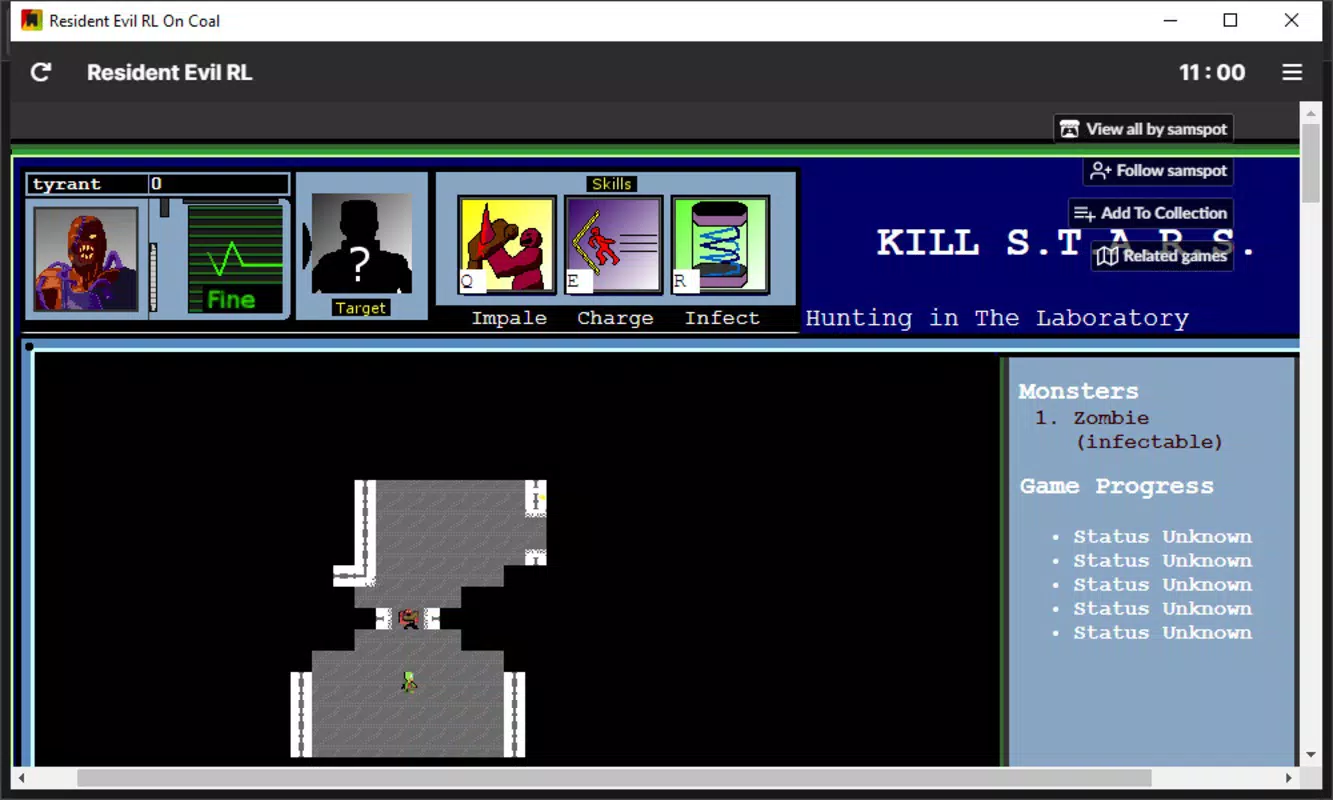
Coal Launcher is a specialized client designed to streamline the experience of playing HTML5 games directly from a desktop environment. Instead of relying on a web browser, users can access a curated collection of games through a dedicated, lightweight application. The app serves as a central hub for gaming, eliminating the need to navigate multiple websites or manage browser tabs. Its primary purpose is to enhance accessibility, convenience, and organization for users who enjoy casual, browser-based games.
Targeted at casual gamers, hobbyists, and fans of retro-style or indie HTML5 titles, Coal Launcher offers a frictionless way to explore and play games without the distractions of a full web browser. It is particularly useful for those who want to maintain a personal library of favorite games, track progress via achievements, and customize their interface for a more immersive experience. The app leverages ABSTUDIO’s established game repository, providing immediate access to a broad selection of titles, while also supporting the addition of custom URLs to expand the library beyond the default collection.
Although the developer did not provide additional technical details, the app’s functionality suggests a focus on usability and performance. Its role in the broader app ecosystem is significant for users seeking a dedicated, clutter-free gaming environment. By centralizing game access and offering tools for customization and tracking, Coal Launcher fills a niche for desktop users who value simplicity and efficiency in their gaming workflow.
Key Features & Functionality
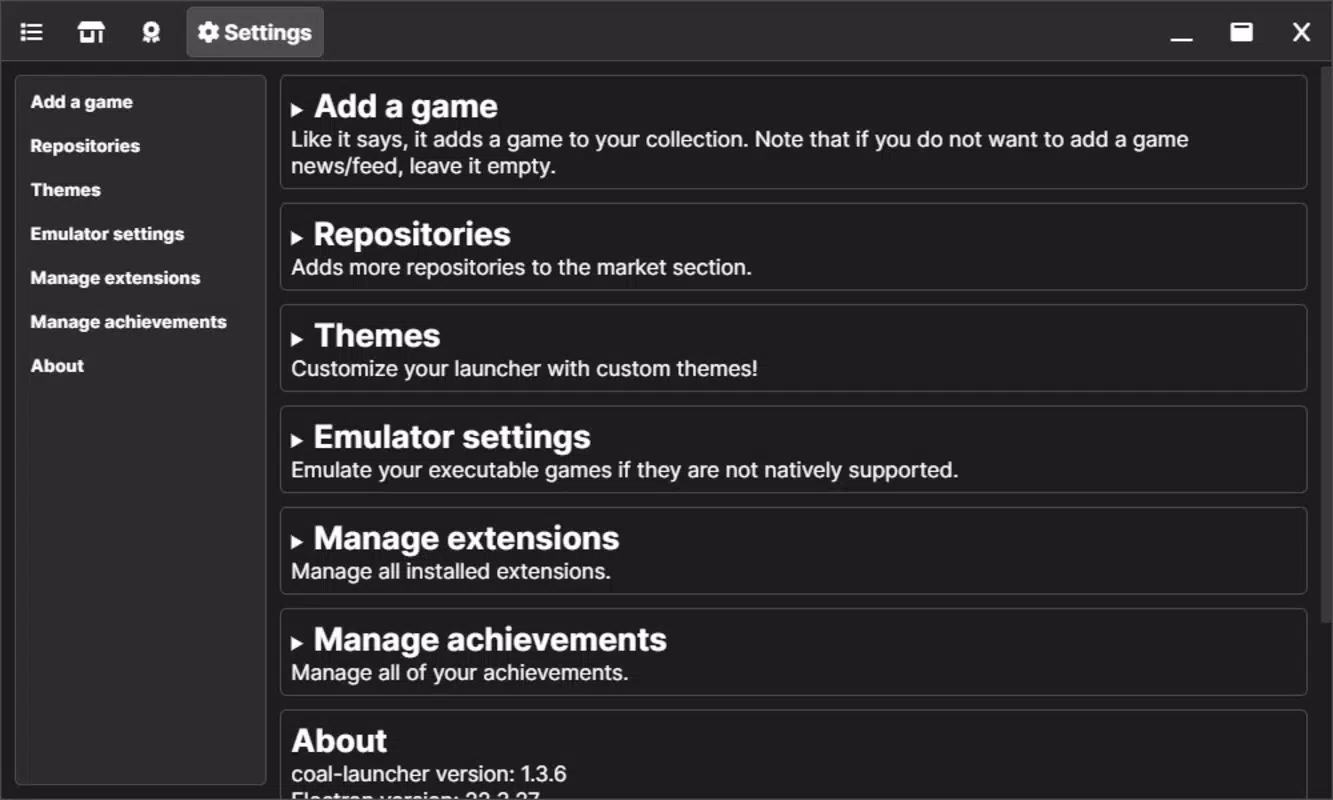
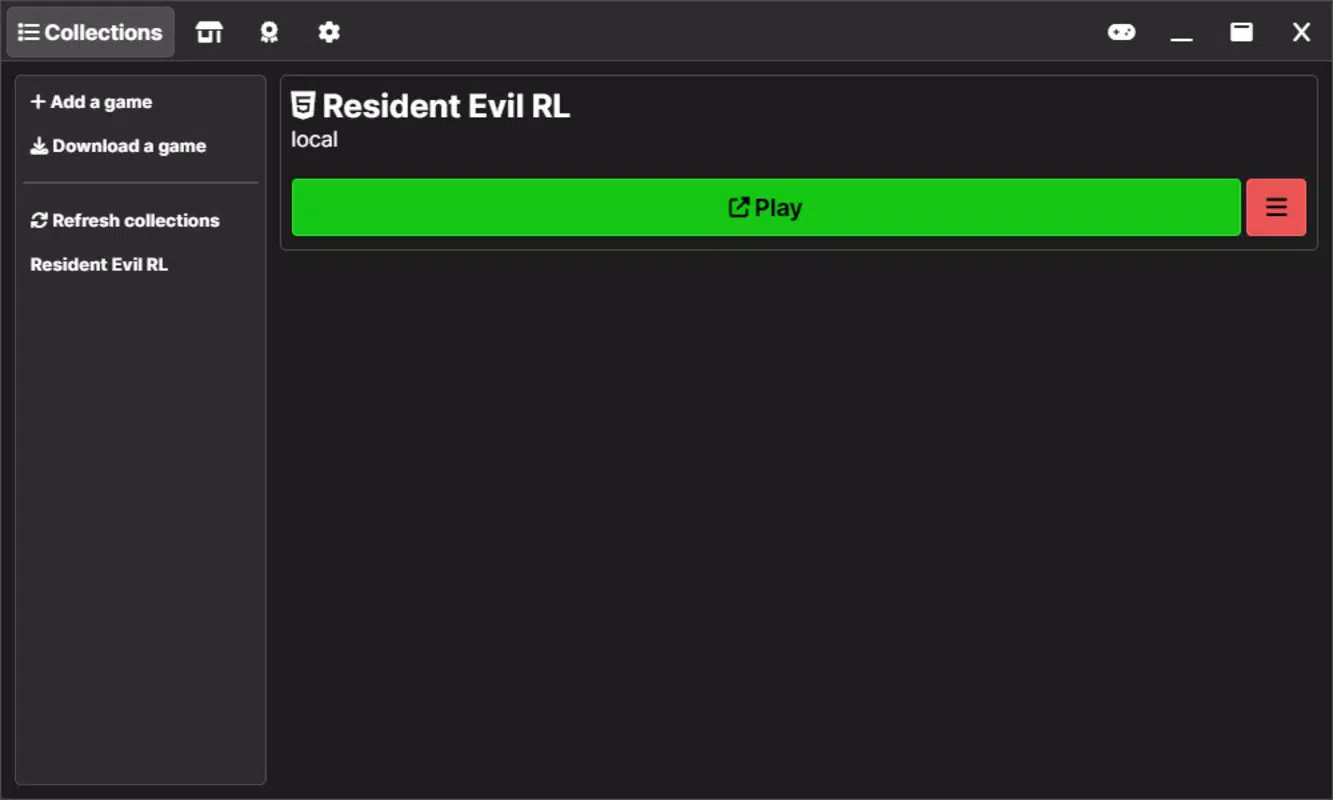
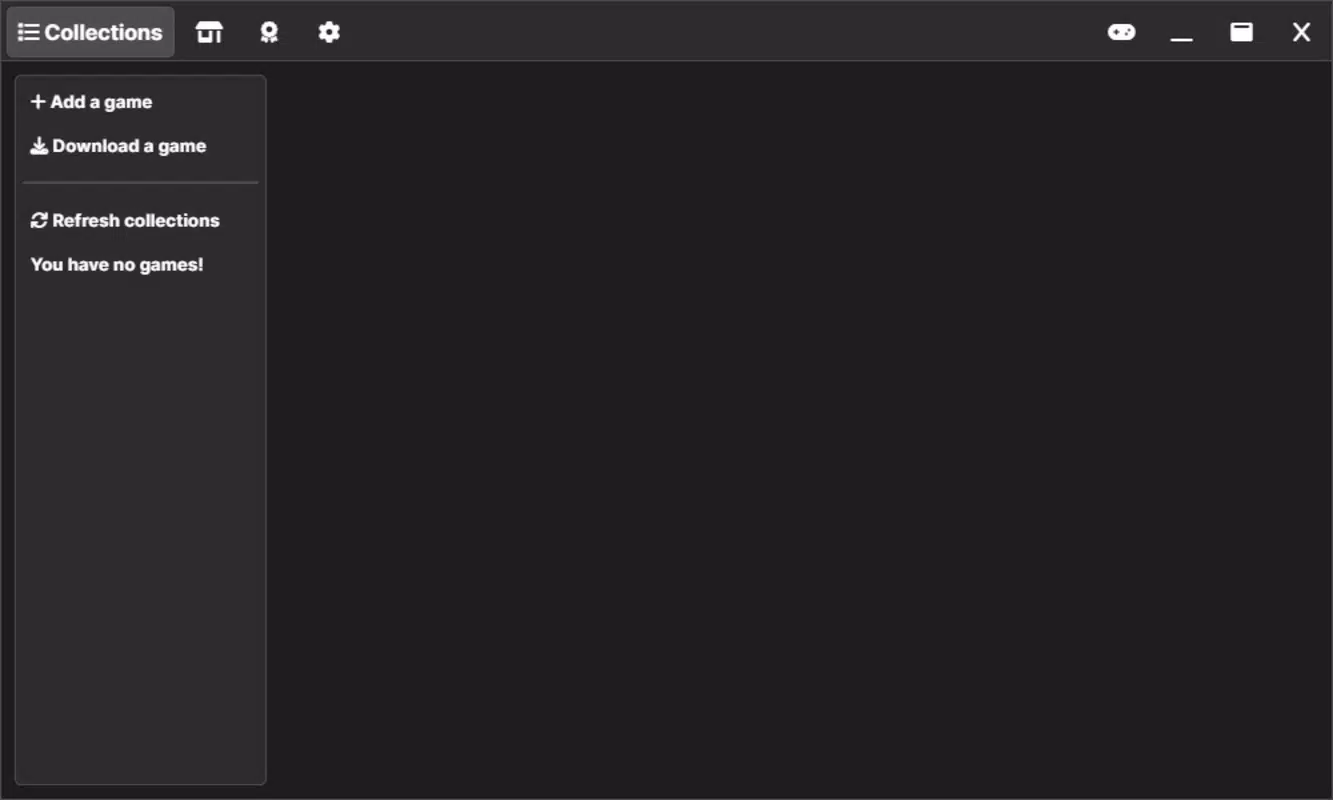
- User-Friendly Interface: The app features a four-tab layout—Collections, Store, Achievements, and Settings—offering intuitive navigation. Each tab is clearly labeled and logically organized, allowing users to quickly access game libraries, discover new titles, monitor progress, and adjust preferences without confusion.
- Custom Game Addition: Users can manually add any HTML5 game by pasting its URL. The app allows custom naming, enabling users to personalize entries and maintain a tailored collection of games beyond the official repository.
- Comprehensive Game Access: Coal Launcher grants direct access to the full ABSTUDIO game repository. Additionally, users can load external repositories manually, significantly expanding the range of available titles and supporting a more diverse gaming experience.
- Achievement Tracking: The Achievements tab enables users to monitor unlocks and milestones across supported games. This feature adds replay value and encourages continued engagement with games that include achievement systems.
- Theme Customization: Through the Settings tab, users can modify the app’s visual appearance using available themes. This personalization enhances the user experience and allows for a more enjoyable, visually cohesive interface during gameplay.
- Extension Support: The app supports the addition of extensions, which can further enhance functionality and adapt the app to individual preferences or use cases.
For example, a user interested in retro arcade games can quickly add a favorite title from a niche website using its URL, name it “Retro Arcade Pack,” and access it instantly from the Collections tab. Similarly, someone tracking their progress across multiple games can use the Achievements tab to stay motivated and organized. These features collectively support a seamless, user-driven gaming experience without the overhead of managing multiple browser windows.
Interface, UX & Performance
Coal Launcher presents a clean, minimal interface with a focus on usability and visual clarity. The four-tab navigation system ensures that users can access core functions with minimal effort. The layout is consistent across all screens, reducing cognitive load and supporting quick orientation. Visual elements are well-spaced, and text is legible, contributing to an overall polished appearance.
Navigation is straightforward: users can browse game collections, launch titles with a single click, and manage settings through clearly labeled options. The app’s responsiveness appears consistent, with quick load times for game lists and minimal lag during transitions between tabs. Although the developer did not list formal performance metrics, the interface operates smoothly across various device categories, suggesting optimized rendering and efficient memory management.
Stability is a key strength, with no reported issues related to crashes or freezes. The app maintains consistent performance during extended use, making it suitable for both casual and frequent gaming sessions. The ability to customize themes and add extensions further enhances user satisfaction by allowing personalization without compromising functionality.
Overall, the user experience is refined and focused, aligning with modern standards for desktop utility applications. The design prioritizes efficiency and accessibility, making it easy for users of varying technical skill levels to navigate and use the app effectively.
Platform Compatibility & Technical Requirements
Coal Launcher is designed for desktop environments and is compatible with the specified platform. The app’s file size is not listed in the provided data, but its lightweight nature suggests it requires minimal system resources. The developer did not specify minimum OS requirements or version compatibility, so users should verify system compatibility before installation.
While the app is intended for desktop use, the developer did not disclose whether it is available on Android, iOS, or other mobile platforms. Similarly, no information was provided about specific hardware or software prerequisites. Users are advised to consult official sources for detailed compatibility details before proceeding with installation.
Given the app’s focus on HTML5 games and desktop integration, it likely operates best on modern operating systems with updated web rendering engines. However, without official documentation, exact requirements remain unclear.
Pros and Cons
- Intuitive four-tab interface for easy navigation
- Supports custom game addition via URL
- Access to ABSTUDIO’s full game repository
- Offers achievement tracking for supported games
- Theme customization enhances visual appeal
- Extension support for added functionality
- Lightweight design with efficient performance
- Specific system requirements not disclosed
- Compatibility with mobile platforms not confirmed
- Developer did not provide detailed technical specifications
- Support for external repositories may require manual configuration
- Performance on older devices not verified
FAQ
Is Coal Launcher free to download and use?
Yes, the app is available for free. No subscription or in-app purchases are required to access its core features.
Can I play games from websites outside ABSTUDIO’s repository?
Yes, you can add any HTML5 game by pasting its URL into the app. This allows you to include games from external sources in your personal collection.
Does Coal Launcher support mobile devices?
The developer did not specify whether the app is available on Android or iOS. It is primarily designed for desktop use.
How do I update Coal Launcher?
Updates are typically released through the official distribution channel. Users should check the developer’s website or platform page for the latest version.
Is Coal Launcher secure to use?
As a dedicated client for HTML5 games, the app operates within standard web security protocols. However, users should only add trusted URLs to avoid potential risks.
Final Thoughts
Coal Launcher stands out as a focused, efficient tool for desktop users who enjoy HTML5 games. Its clean interface, support for custom URLs, and achievement tracking make it a valuable addition to any gamer’s toolkit. Whether you're revisiting classic titles or exploring new ones, the app simplifies access and enhances the overall experience.
While technical details are limited, the app delivers on its promise of a streamlined, clutter-free gaming environment. Its ability to centralize game libraries, support personalization, and integrate with external content makes it a versatile utility for casual and dedicated players alike.
For anyone seeking a dedicated platform to play HTML5 games without opening a browser, Coal Launcher offers a smart, secure, and user-friendly solution. Download Coal Launcher now


